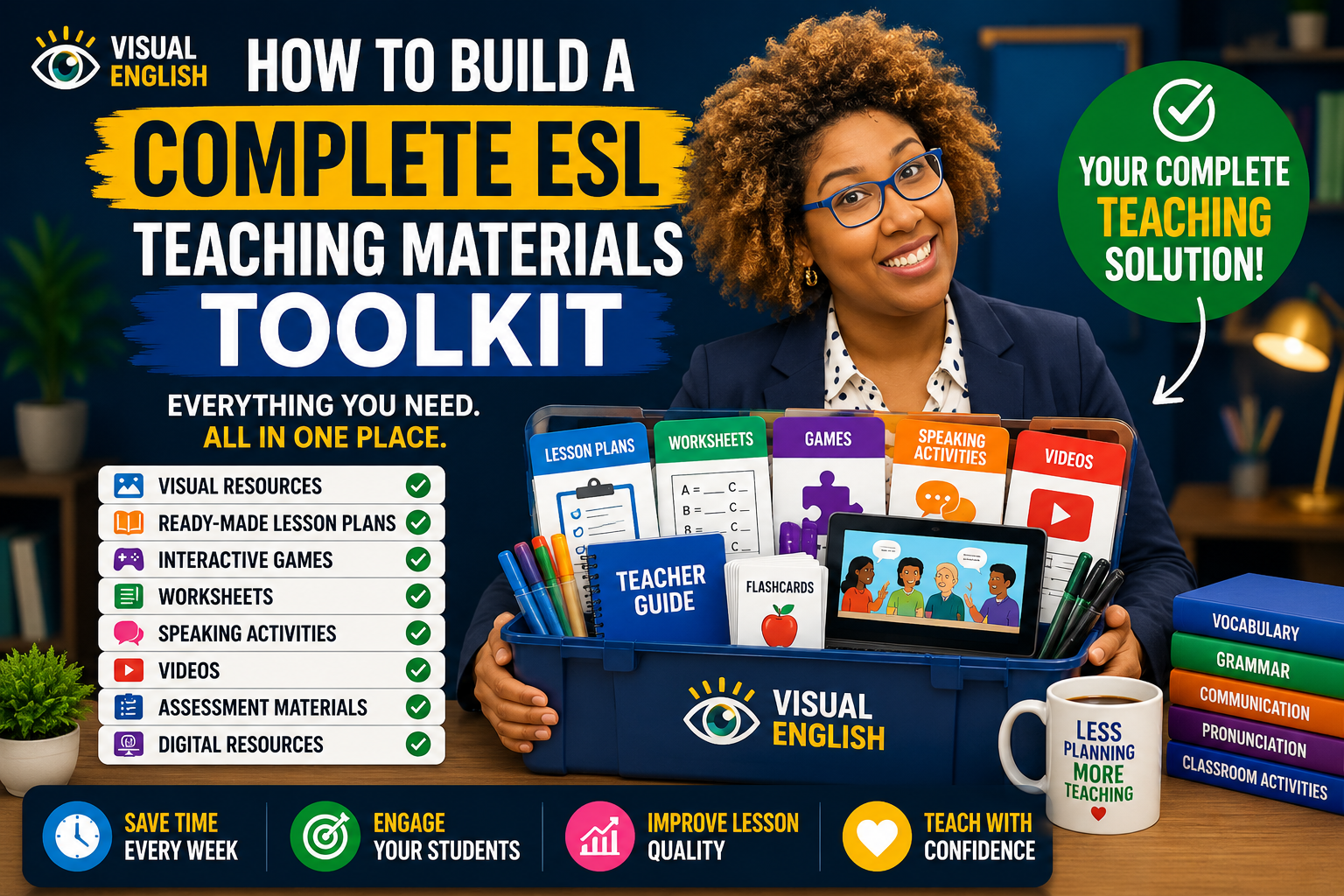
How to Build a Complete ESL Teaching Materials Toolkit
Table of contents(16 sections)ShowHide
Most ESL teachers don't have a toolkit. They have:
- 500+ bookmarks
- 1000+ downloaded PDFs
- Wordwall accounts
- YouTube playlists
- ISLCollective worksheets
- Flashcards scattered across Google Drive
- PowerPoint files saved on different computers
- Random folders called "NEW LESSONS", "ESL STUFF", and "USE LATER"
A toolkit is not simply collecting resources. A toolkit is a system.
What Is an ESL Teaching Materials Toolkit?
Every successful ESL teacher has a toolkit. Not a physical toolbox. A teaching toolbox.
It contains the resources, activities, visuals, games, worksheets, and lesson plans that help teachers deliver effective lessons without starting from zero every week. A complete toolkit allows teachers to:
- Save preparation time
- Deliver better lessons
- Maintain consistency
- Reduce stress
- Improve student engagement
- Focus on teaching rather than searching
The goal is simple: Stop searching. Start teaching.
Why Most Teachers Struggle With Organization
Many teachers spend years collecting resources. Bookmarks. PDFs. PowerPoints. Games. Videos. Flashcards. Pinterest ideas. Google Drive folders. YouTube playlists.
At first this feels productive. Eventually it becomes overwhelming. Many teachers know they have the perfect worksheet somewhere.
The problem is finding it. Some teachers have hundreds of gigabytes of materials but still spend hours searching before every lesson. The issue is rarely a lack of resources.
The issue is organization.
Essential Component 1: Visual Resources
Visual materials are the foundation of modern ESL teaching. Images help students:
- Understand meaning faster
- Remember vocabulary longer
- Speak more confidently
- Reduce dependence on translation
Useful visual resources include:
- Flashcards
- Story sequences
- Scene illustrations
- Conversation prompts
- Action pictures
- Vocabulary images
Visual resources are particularly effective for young learners, beginners, and multilingual classrooms.
Essential Component 2: Ready-Made Lesson Plans
A strong toolkit should contain complete lessons. Good lesson plans include:
- Objectives
- Vocabulary targets
- Speaking practice
- Games
- Worksheets
- Homework suggestions
Without ready-made lessons, teachers often waste time assembling activities from multiple websites.
Essential Component 3: Interactive Games
Games transform repetition into engagement. Useful ESL games include: Vocabulary Games
- Matching activities
- Memory games
- Picture quizzes
- Word races
Speaking Games
- Guessing games
- Roleplays
- Information gap tasks
- Conversation challenges
Digital Games
- Wordwall
- Baamboozle
- Kahoot
- Quizizz
Interactive games increase participation while reducing teacher talk time.
Essential Component 4: Worksheets
Worksheets remain useful when used correctly. A balanced toolkit includes:
- Vocabulary worksheets
- Reading activities
- Grammar practice
- Writing tasks
- Homework sheets
The mistake many teachers make is allowing worksheets to become the lesson instead of supporting the lesson.
Essential Component 5: Speaking Activities
Speaking should be the center of every ESL toolkit. Useful speaking resources include:
- Discussion cards
- Roleplays
- Picture descriptions
- Interview questions
- Information gap activities
- Would You Rather? prompts
Students do not become fluent by completing worksheets. They become fluent by speaking.
Essential Component 6: Videos
Videos provide context, motivation, and listening practice. Useful video categories include:
- Songs
- Short stories
- Educational animations
- Real-life conversations
- Cultural videos
- Visual storytelling
Videos can introduce vocabulary, spark discussion, and reinforce learning.
Essential Component 7: Assessment Materials
A complete toolkit should also measure progress. Assessment resources include:
- Vocabulary quizzes
- Speaking evaluations
- Reading checks
- End-of-unit tests
- Project rubrics
Assessment helps teachers identify strengths and weaknesses before moving forward.
Essential Component 8: Digital Resources
Modern teaching increasingly combines physical and digital materials. Useful digital resources include:
- Interactive slides
- Online games
- Digital flashcards
- Learning platforms
- AI tools
- Vocabulary apps
The best digital resources reduce preparation rather than create additional work.
How to Organize Everything
The most effective teachers organize resources using three categories: By Topic
- Food
- Animals
- School
- Transport
- Daily Routine
- Hobbies
By Level
- Beginner
- Elementary
- Intermediate
- Advanced
By Resource Type
- Worksheets
- Games
- Videos
- Flashcards
- Assessments
This structure makes retrieval fast and predictable.
The 160 GB Problem
Many experienced teachers eventually face what could be called the 160 GB Problem. Years of teaching create:
- Thousands of PDFs
- Hundreds of PowerPoints
- Dozens of bookmarks
- Multiple Google Drive folders
- Countless worksheets
The collection grows larger. Finding resources becomes harder. Teachers spend more time searching than teaching.
At this stage, adding more resources is rarely the solution. Building a better system is.
Common Mistakes Teachers Make
Downloading Everything Not every worksheet is worth keeping. No Naming System Files called "lesson1-final-final2.pdf" help nobody. Too Many Bookmarks
Hundreds of saved websites become impossible to manage. Overreliance on Worksheets Communication should remain the priority. Lack of Speaking Activities
Students need opportunities to produce language.
Why Visual Toolkits Are Growing in Popularity
Modern ESL classrooms increasingly rely on visuals because visuals:
- Improve comprehension
- Increase engagement
- Support speaking
- Reduce explanation time
- Work across language barriers
Teachers want resources that are ready to use immediately. Visual materials provide exactly that.
How Visual English Functions as a Complete Toolkit
Visual English was created to solve a problem many teachers face every day: Too many resources. Not enough organization. The platform combines:
- 10 structured books
- 178 ready-made units
- 20,000+ custom visuals
- Teacher guides
- Worksheets
- Videos
- Interactive games
- Speaking activities
Instead of jumping between multiple websites, teachers can access everything within one structured system. The result is less preparation and more teaching.
Conclusion
Building an ESL toolkit is not about collecting thousands of files. It is about creating a system that allows you to teach efficiently. The best toolkit contains:
- Visual resources
- Lesson plans
- Games
- Worksheets
- Videos
- Speaking activities
- Assessments
- Digital tools
When everything is organized and connected, preparation becomes faster, lessons become stronger, and students receive a better learning experience. The goal is not to own more resources. The goal is to use the right resources at the right time.
Explore 178 ready-made ESL units, teacher guides, games, videos, and classroom resources with Visual English. Explore Visual English →
Frequently asked questions
What is the most important item in an ESL toolkit?
Visual resources and speaking activities are often the most valuable because they directly support communication.
How many materials should a teacher have?
Quality is more important than quantity. A well-organized collection of effective resources is better than thousands of random files.
Are digital resources necessary?
Not always, but they can significantly increase engagement and flexibility.
Should worksheets be included?
Yes, but they should complement speaking and interactive activities rather than replace them.
How often should a toolkit be updated?
Regularly. Teachers should review and improve resources throughout the year.